
For iPhone · for people who already track food
Your food tracker shows today. Steady shows your week.
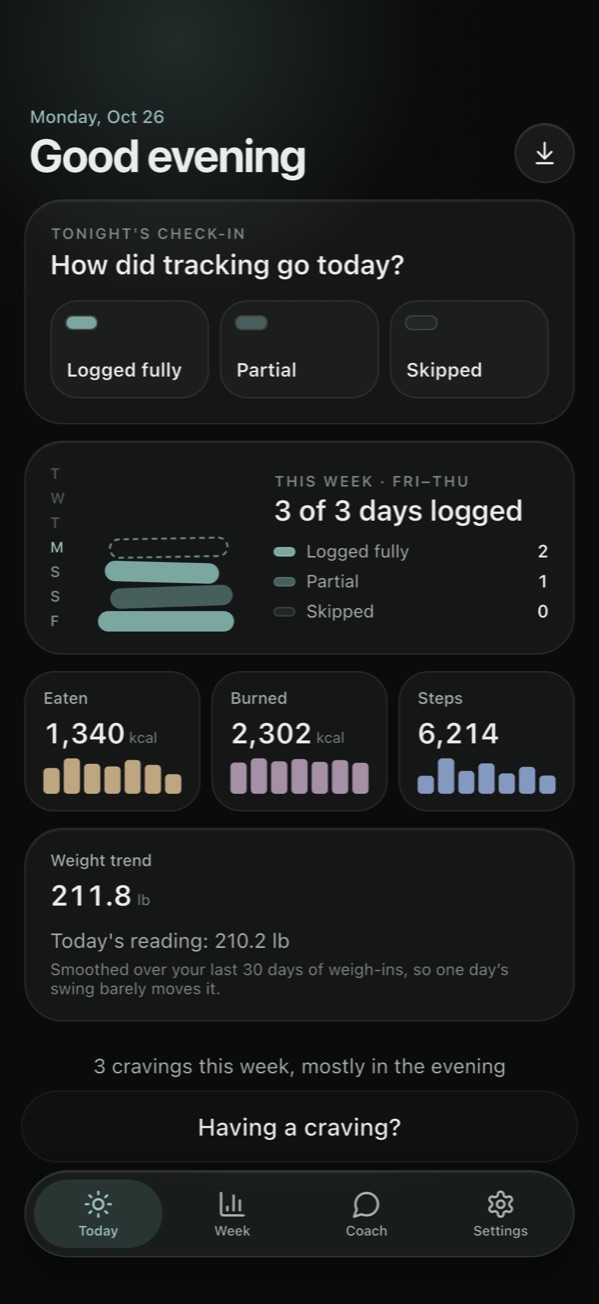
You already log what you eat. Steady puts that next to what you burned, your steps and your weight trend from Apple Health, and asks one question each evening: how did tracking go today? So you can see how your tracking is really going, without streaks or red marks.
Who it's for
Steady doesn't log meals. It sits on top of the tracker you already use and helps you see the pattern across the week: the partial Tuesday, the weekend that slipped, the days you kept going anyway.
A good fit if
- You already track your food, in Cal AI or another app that saves calories to Apple Health.
- You use an iPhone.
- You want to see your week, not get graded on a single day.
- You'd rather your health data stayed on your phone.
Probably not for you if
- You don't track food yet. Steady reads what your tracker logs; it isn't a food log itself.
- You want a calorie target or a meal plan. Steady never sets one.
- You're on Android, or want it on a Mac or the web. It's iPhone only.
What it does
Every evening
One question: how did tracking go today?
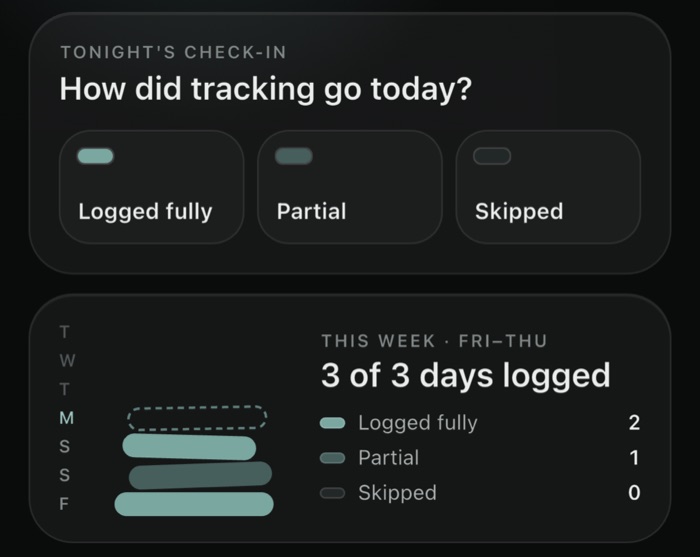
Logged fully, Partial or Skipped: one tap. It's about whether you tracked, not what you ate, and it's the most honest signal of how your week is going. A missed day is information, not a failure. There are no streaks to break and no red X's.
Eaten · Burned · Steps
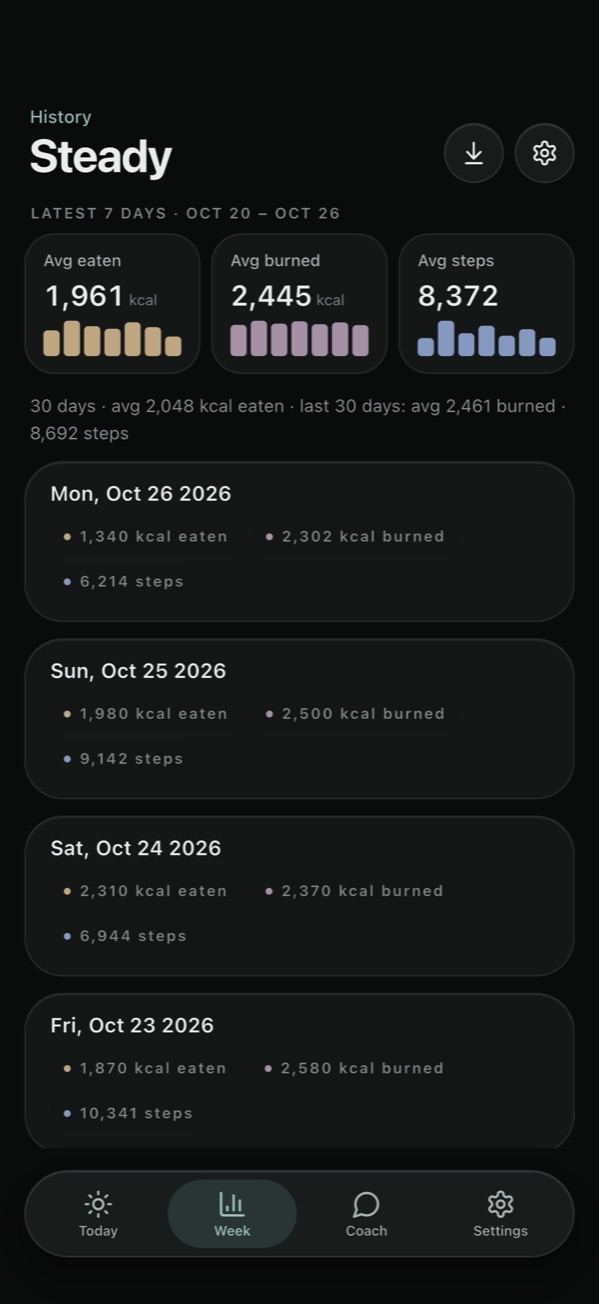
What you ate, next to what you burned, all week.
Calories eaten come straight from Apple Health, where Cal AI and many other trackers already save them, or from a Cal AI PDF export. Burned calories, steps and weight come from Apple Health too. Steady shows the last seven days side by side, with the averages, so one big day doesn't tell the whole story.
Coach, on your iPhone
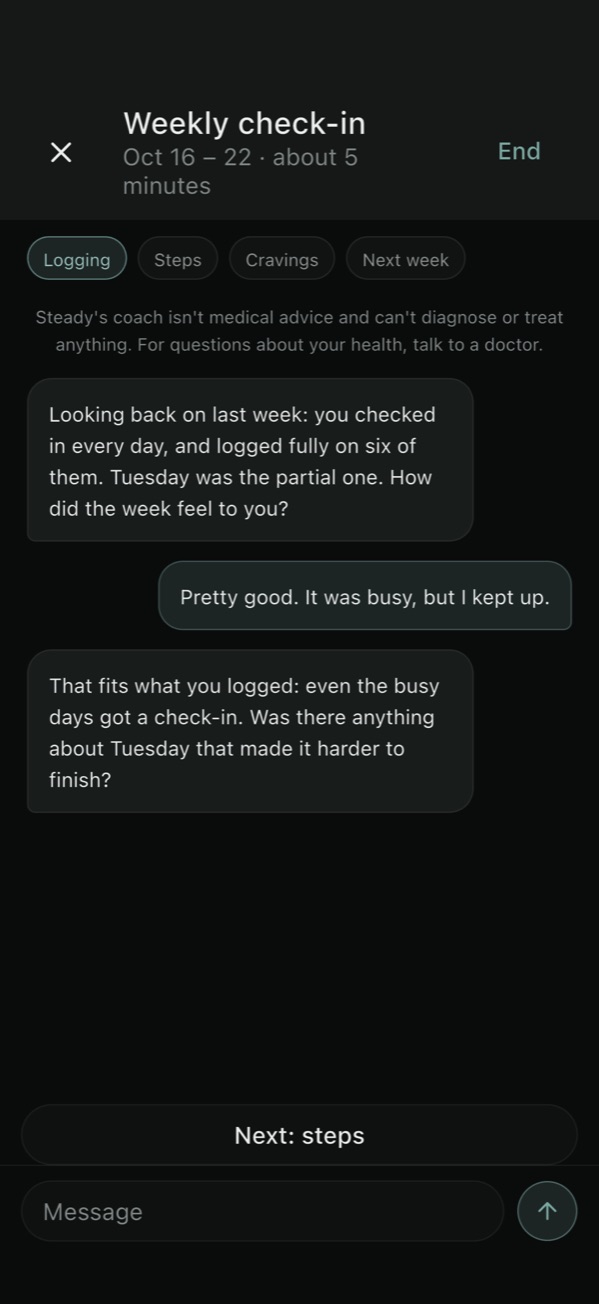
A five-minute look back at your week.
From Friday to Sunday, the weekly check-in walks through your logging, your steps, any cravings, and one small thing to try next week. You can also chat any time. The coach runs entirely on your iPhone with Apple Intelligence, so what you type never leaves the phone. It asks questions about your own data; it never sets calorie targets, weight goals or diets.
Having a craving?
A minute to think, not a rule to follow.
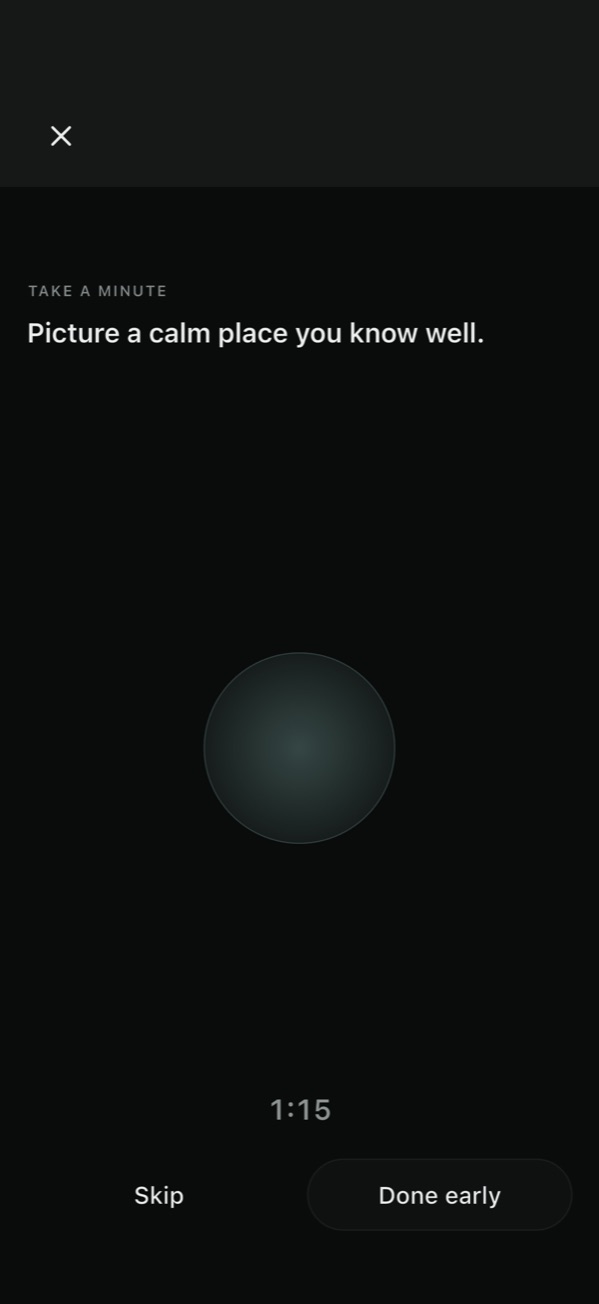
A short guided check-in: how strong it is, what's behind it, an optional minute of calm, then "still want it?" Every ending is fine, including having it, and if you're hungry, eating something is a good call.
Private by design
No account
Your Apple ID is the account. There's nothing to sign up for and no password.
No servers, no tracking
Steady has no backend, analytics or ads. The developer can't see your data.
Health stays on your iPhone
Apple Health values are read live and never saved to iCloud. Cravings and coach chats stay on the phone.
The details are in the privacy policy.
What you need
- Phone
- An iPhone on iOS 17 or later.
- Calories eaten
- Cal AI or another tracker that saves Dietary Energy to Apple Health, or a Cal AI PDF export.
- Burned, steps, weight
- Apple Health. Optional: Steady works with whatever you allow.
- Coach
- An iPhone that supports Apple Intelligence, on iOS 26 or later, with Apple Intelligence turned on. Everything else works without it.
- iCloud
- Optional. Signed in, your check-ins and imported days sync to your own private iCloud.